
QuickBooks cash flow forecast
How do I get a cash flow forecast from QuickBooks?
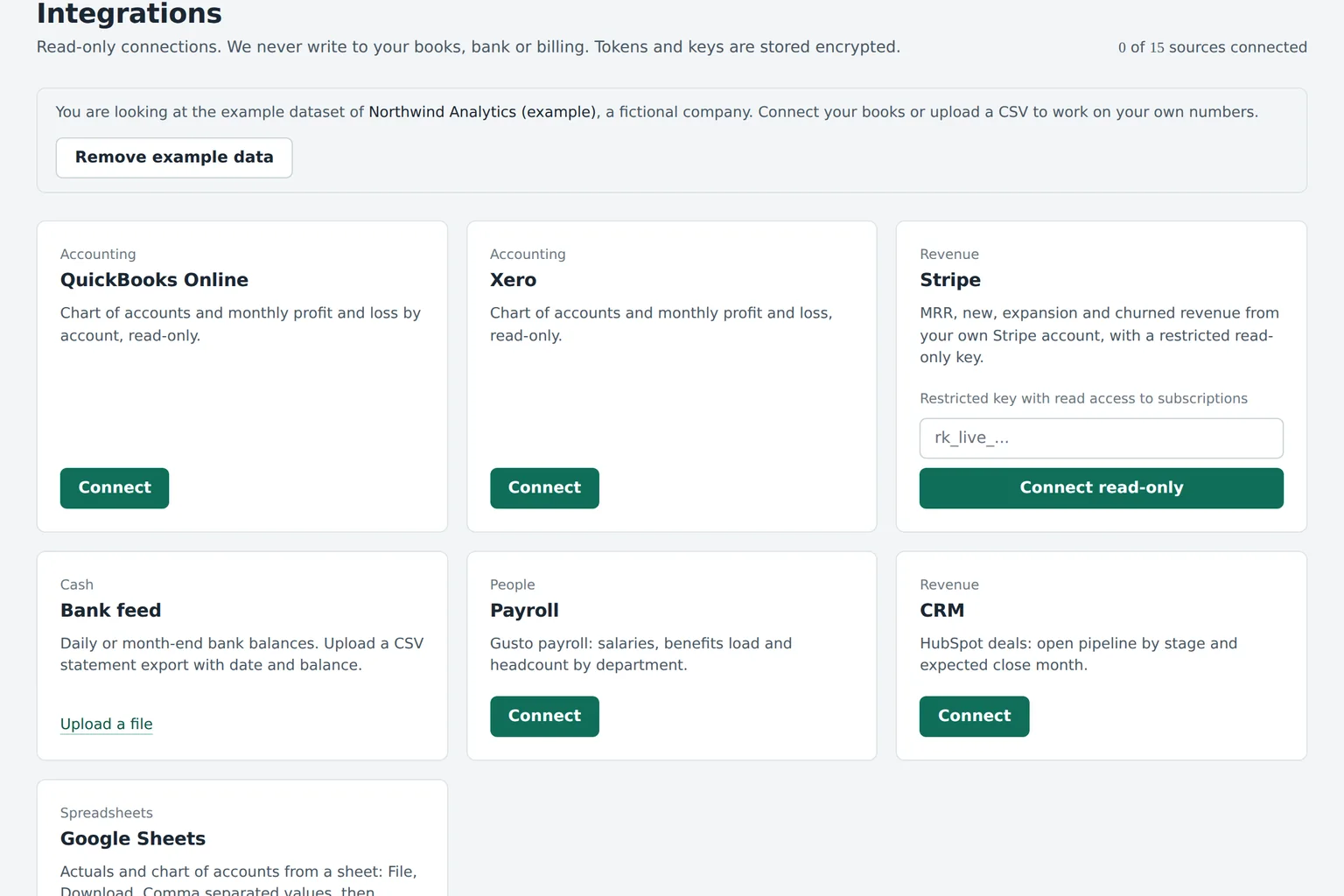
Read-only connection. Encrypted tokens. Disconnect anytime.
Cash today
$842k
Week 13
$611k
Runway
15.3mo
Forecasts and scenarios are estimates based on your data and assumptions, not financial, investment, tax or accounting advice.
What we pull from QuickBooks Online
Only what a budget and a cash forecast need, read-only.
Budgeter.ai asks QuickBooks Online for accounting data only. It maps your chart of accounts to budget categories once, and you can change any mapping later. Classes and locations become departments, so each team can get its own budget and spend alerts.
Scroll sideways for all columns
| Data we read | What we use it for |
|---|---|
| Chart of accounts | Budget categories and the mapping to them |
| Profit and loss by month | Actuals for budget vs actual and the trend behind the forecast |
| Balance sheet and bank balances | Starting cash and runway |
| Invoices and receivables aging | Expected cash in, week by week |
| Bills and payables aging | Expected cash out, week by week |
| Classes and locations | Department budgets and owners |
We never create, edit or delete invoices, bills, journal entries or payments in QuickBooks.
From QuickBooks to forecast in four steps
Most companies see their first forecast the same day.
-
1
Connect
Sign in to QuickBooks Online from Budgeter.ai and approve read-only access for your company file.
-
2
Map accounts
Budgeter.ai suggests a category for every account. Confirm or change the few that need it.
-
3
Build the budget
The annual budget is built from 12 to 24 months of actuals, by category and month.
-
4
Forecast and review
Cash flow, runway and budget vs actual update each time QuickBooks syncs.
Why forecast outside QuickBooks
- A forward view, not only history QuickBooks reports what happened. The forecast shows cash for the next 13 weeks and 12 months.
- Scenarios without touching the books Test hires, price changes and cuts while your ledger stays clean.
- Answers in plain English Ask the AI CFO why cash fell in August and get the accounts behind it.
- Alerts before overspend Monthly variance alerts on every plan, spend limits from Growth.
Related pages
See how the cash flow forecast is built, how we protect connected data on the security page, and the same forecast for Xero users on the Xero page. Every plan includes the QuickBooks connection, see pricing.
QuickBooks questions
Does Budgeter.ai work with QuickBooks Desktop?
Budgeter.ai connects directly to QuickBooks Online. If you use QuickBooks Desktop, you can export the profit and loss and balance sheet to a spreadsheet and import them through the Google Sheets connection.
Can Budgeter.ai change my QuickBooks data?
No. The connection is read-only. Budgeter.ai never creates or edits transactions, invoices, bills or journal entries, and you can disconnect it at any time from either side.
How far back does it read?
Up to 24 months of monthly actuals, which is enough to see seasonality and build the annual budget. A shorter history works too, the forecast simply leans more on your assumptions.
Can I connect several QuickBooks companies?
Yes. Scale includes up to 5 entities with consolidation and Enterprise up to 25. Each QuickBooks company file is connected as its own entity.