
Xero cash flow forecast
Can I build a cash flow forecast from Xero data?
Read-only connection. Encrypted tokens. Disconnect anytime.
Cash today
$842k
Week 13
$611k
Runway
15.3mo
Forecasts and scenarios are estimates based on your data and assumptions, not financial, investment, tax or accounting advice.
What we pull from Xero
Accounting data for the budget and forecast, read-only.
Budgeter.ai reads your Xero organisation and maps each account to a budget category once. Tracking categories become departments or projects, so budgets and spend alerts follow the same structure your team already uses in Xero.
Scroll sideways for all columns
| Data we read | What we use it for |
|---|---|
| Chart of accounts | Budget categories and the mapping to them |
| Profit and loss by month | Actuals for variance analysis and the forecast trend |
| Balance sheet and bank account balances | Starting cash and runway |
| Sales invoices awaiting payment | Expected cash in, by due date |
| Bills awaiting payment | Expected cash out, by due date |
| Tracking categories | Department and project budgets |
We never create, approve, edit or pay invoices or bills, and never post manual journals in Xero.
From Xero to forecast in four steps
Connect once, then the forecast keeps itself current.
-
1
Connect
Log in to Xero from Budgeter.ai, pick the organisation and approve read-only access.
-
2
Confirm mapping
Accounts are matched to budget categories automatically. Adjust the ones that need it.
-
3
Get the budget
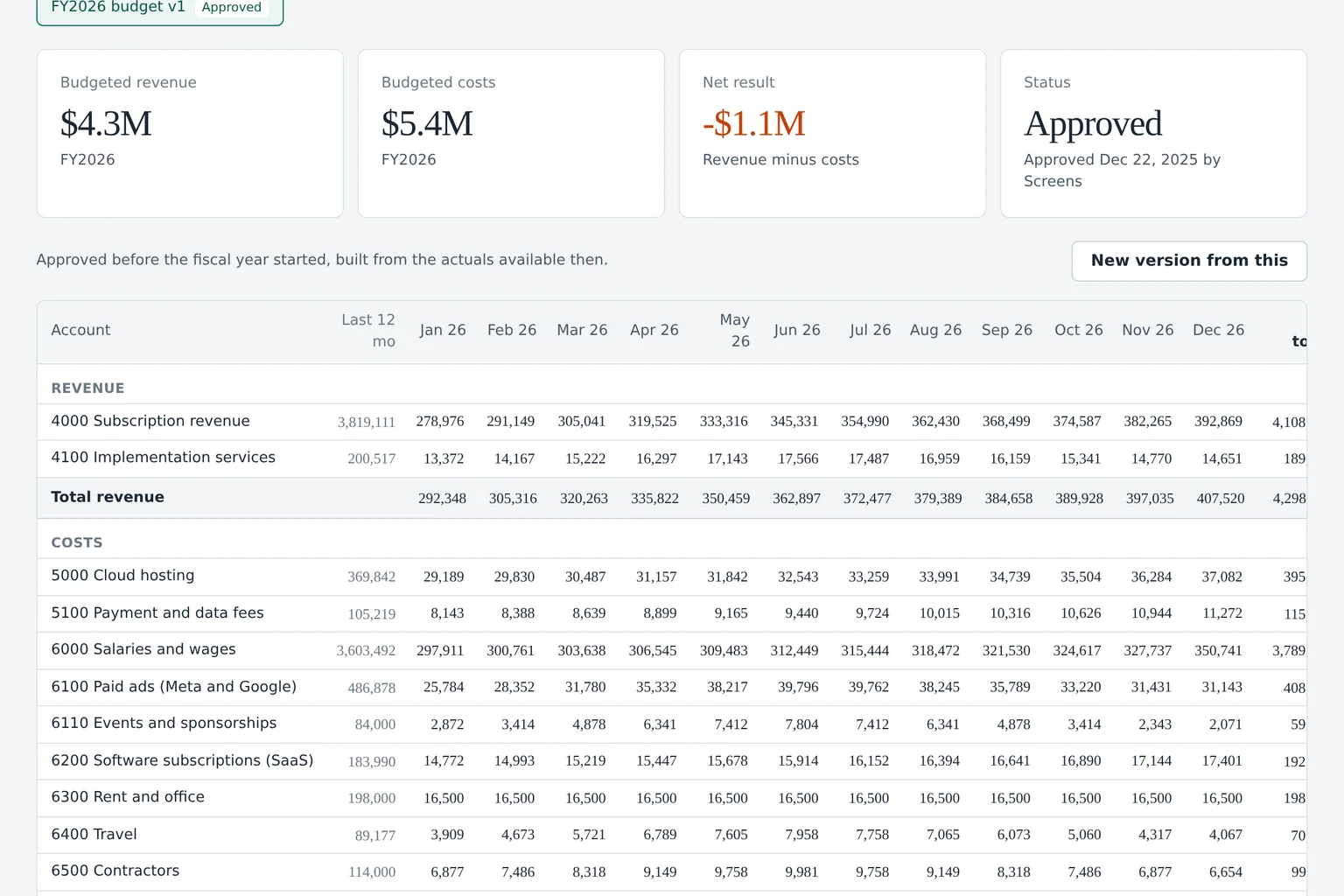
An annual budget is built from up to 24 months of Xero actuals, by category and month.
-
4
Watch cash
Runway, cash flow and budget vs actual refresh after each sync and month close.
What Xero users get on top of their books
- Runway and break-even Not only this month's balance, but when cash runs out and when revenue covers costs.
- Scenarios side by side Compare hiring plans, pricing and cuts without editing a single Xero record.
- Variance with explanations Each overspend line comes with the transactions that caused it.
- Several organisations Consolidate up to 5 Xero organisations on Scale and 25 on Enterprise.
Related pages
See how the cash flow forecast is built, how we protect connected data on the security page, and the same forecast for QuickBooks Online users on the QuickBooks page. Every plan includes the Xero connection, see pricing.
Xero questions
Is the Xero connection read-only?
Yes. Budgeter.ai only reads data from Xero. It cannot create, approve, edit or pay anything, and you can revoke access from Budgeter.ai or from the connected apps list in Xero at any time.
Does it replace the Xero short-term cash flow view?
It goes further. Next to the weeks ahead, you get a 12-month forecast, runway, break-even, scenarios and budget vs actual by category and tracking category.
Which Xero plans work?
Any Xero organisation that you can log in to with access to its reports and bank accounts works with the connection.
What about multi-currency organisations?
Scale and Enterprise consolidate several organisations in different currencies into one group view, converting at the rates you choose for the forecast.