
Budgeting software security
Is Budgeter.ai secure for company financial data?
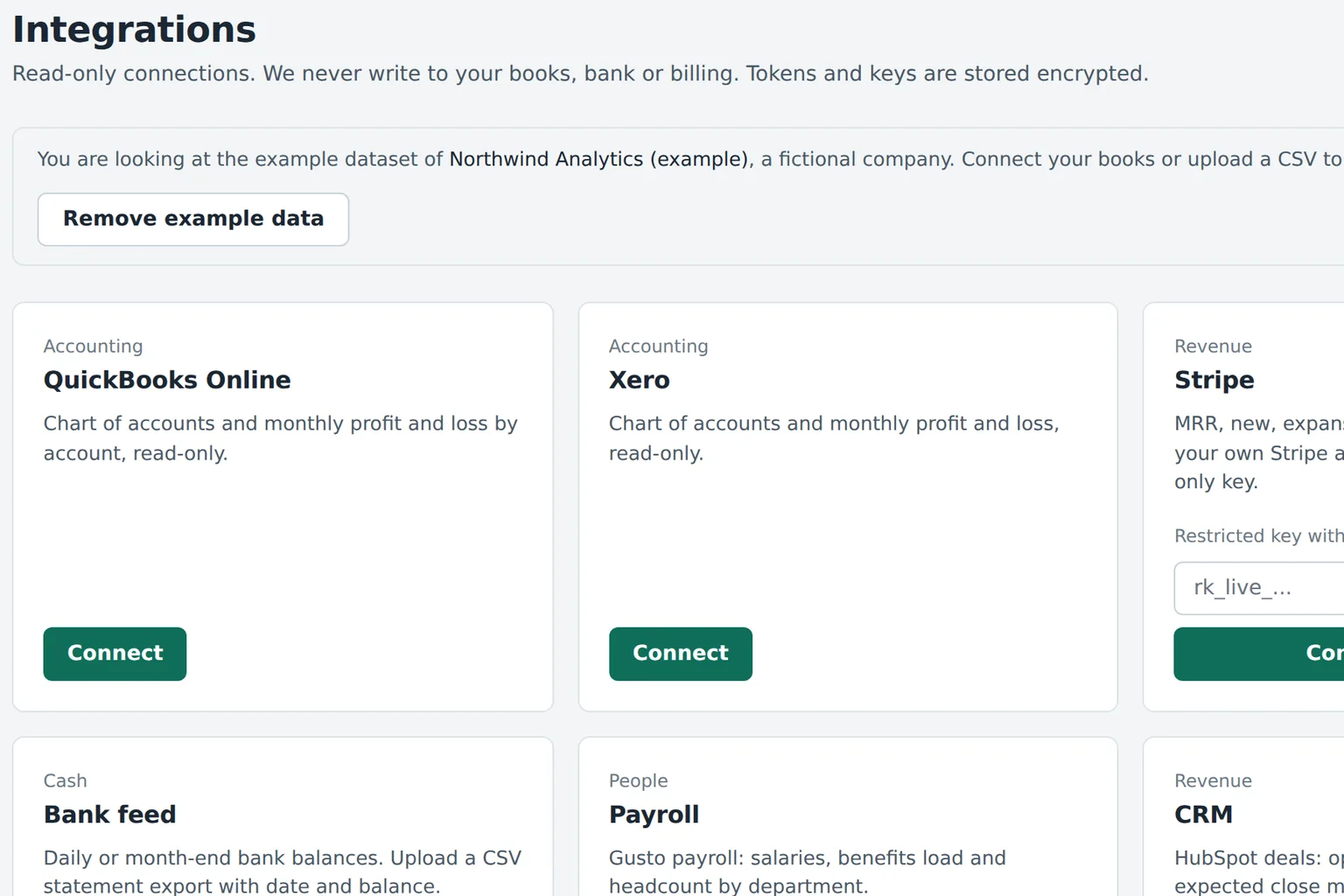
- QuickBooks Online Read-only
- Xero Read-only
- Bank feed Read-only
- Payroll Read-only
- Google Sheets Import and export
Tokens encrypted at rest. Disconnect any source in one click.
How we protect your numbers
These are the controls that run in the product today. We list nothing we do not do.
Read-only integrations
Budgeter.ai reads accounts, transactions, balances and payroll totals. It cannot post entries, pay bills, move money or edit anything in your books.
Encryption at rest
Stored financial data is encrypted with AES-256. Integration tokens get an extra layer of encryption with a separate application key.
Encryption in transit
Every connection to the app, the API and your data sources uses TLS 1.2 or higher. Plain HTTP is redirected and never served.
Roles and permissions
Editors build budgets, viewers only read. Scale adds department roles and approvals, Enterprise adds custom roles, SSO with SAML and SCIM.
Audit log on Scale and up
Every change to budgets, scenarios, approvals, users and integrations is logged with who, when, and the values before and after.
Your data stays yours
Financial data is not used to train public AI models. Export everything or delete your workspace whenever you want.
How the AI CFO handles your data
Each AI CFO answer lists the accounts, months and assumptions it used, so a number in the board pack traces back to its source.
- Only the figures needed for one answer are sent for processing
- No financial data is used to train public AI models
- Answers show their inputs, so you can check them
- AI questions are limited per plan and logged per company
Can we afford two engineers in March?
Forecasts and scenarios are estimates based on your data and assumptions, not financial, investment, tax or accounting advice.
Access, export and deletion
Every account is confirmed with a one-time code sent to its email address. Enterprise companies can require SSO with SAML and provision users with SCIM, so leavers lose access the moment they leave your identity provider.
You can disconnect a data source at any time, which revokes the stored token. Budgets, forecasts and scenarios export in the formats your plan includes, and deleting your company workspace removes its financial data from the live system.
Details about what we collect and why are in the privacy policy. Exactly what we read from your books is listed on the QuickBooks and Xero pages, and Enterprise controls are on the Enterprise page.
Scroll sideways for all columns
| Control | Small Business | Growth | Scale | Enterprise |
|---|---|---|---|---|
| Read-only integrations | Yes | Yes | Yes | Yes |
| AES-256 at rest, TLS in transit | Yes | Yes | Yes | Yes |
| Encrypted integration tokens | Yes | Yes | Yes | Yes |
| Editor and viewer access | Yes | Yes | Yes | Yes |
| Department roles, approvals | No | No | Yes | Yes |
| Audit log | No | No | Yes | Yes |
| SSO (SAML), SCIM, custom roles | No | No | No | Yes |
| Data retention controls, DPA | No | No | No | Yes |
Security questions
Can Budgeter.ai change anything in QuickBooks or Xero?
No. Integrations are read-only. Budgeter.ai reads accounts, transactions and balances to build your budget and forecast, and it never posts journal entries, edits invoices, moves money or writes anything back to your books or bank.
How is my financial data encrypted?
Data is encrypted in transit with TLS 1.2 or higher and at rest with AES-256. Integration tokens are stored encrypted with a separate application key, so a database copy alone does not reveal working access to your accounts.
Is my data used to train AI models?
No. Your financial data is not used to train public AI models. When you ask the AI CFO a question, only the numbers needed for that answer are sent for processing, and the answer shows which accounts and months it used.
Who in my company can see the budget?
You decide. Editors build and change budgets, and read-only viewers only see what they are given. Scale adds roles and permissions per department, and Enterprise adds custom roles, SSO with SAML and SCIM provisioning.
Is there an audit log?
Yes, on Scale and Enterprise. Every change to a budget, scenario, approval, user or integration is recorded with the person, the time and the before and after values, and the log can be exported.
Can I export or delete my data?
Yes, at any time. You can export budgets, forecasts and scenarios in the formats your plan includes, disconnect any integration in one click, and delete your company workspace. Deletion removes your financial data from the live system.
Do you hold security certifications?
We describe the controls we run and do not display certification badges. If your team has a security questionnaire, send it to [email protected] and we answer it in writing.