
Runway calculator
How do I calculate my runway?
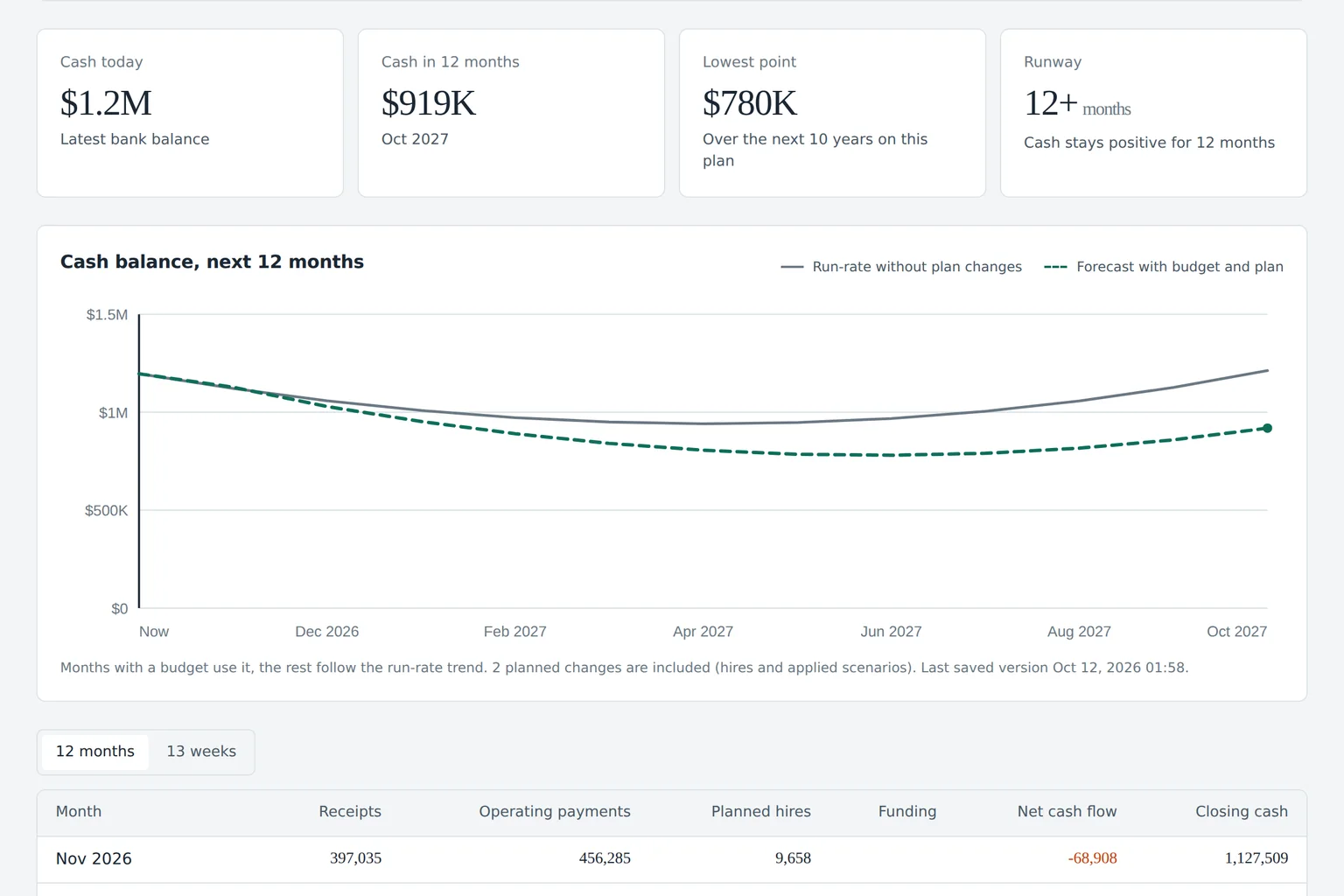
Runway
Out in Sep 2027. Base plan: 20.3 months
11.0months
Break-even
Month 39 of the plan
Jan 2030
Cash needed
Extra cash to reach break-even. +$1.7M for a 6-month cushion
$1.1M
How to use the runway calculator
Five steps, about two minutes, no account needed.
-
1
Enter monthly revenue and growth
Type your current monthly revenue and the monthly growth rate you expect. Use last quarter's average if revenue is uneven.
-
2
Enter monthly costs and cash in bank
Add total monthly operating costs, including payroll, and the cash you have today across all accounts.
-
3
Add planned hires and marketing changes
Set how many people you plan to hire, the start month and the average annual salary, plus any change in marketing spend.
-
4
Read runway, break-even and cash needed
The calculator shows months of runway, the cash-out month, the break-even month and the extra cash you need to reach break-even without going below zero, plus the amount for a six-month cushion.
-
5
Open the full forecast
Press Forecast my runway to see the 18-month chart with your base plan and the scenario side by side, month by month.
The runway math, step by step
The calculator projects your cash one month at a time instead of dividing once, so growth and hiring show up when they actually happen.
Revenue grows at your monthly rate, compounding. Operating costs stay at the level you entered, plus the change in marketing spend in the scenario. Each new hire adds annual salary times one plus a benefits load (25 percent by default), divided by twelve, from the start month on.
Net burn for the month is costs plus new payroll minus revenue. Cash at the end of the month is last month's cash minus net burn. Runway is the number of months until cash first drops below zero, with the last partial month counted as a fraction.
Break-even is the first month from which revenue covers costs for good. Cash needed is the deepest cumulative drawdown before break-even minus the cash you already have, and never below zero. The six-month cushion adds the highest monthly burn times six on top.
- Revenue in month n
- revenue x (1 + growth)^n
- New payroll
- hires x salary x 1.25 / 12
- Net burn
- costs + new payroll - revenue
- Cash at month end
- previous cash - net burn
- Runway
- months until cash < 0
- Cash needed
- drawdown + 6 x max burn - cash
Scroll sideways for all columns
| Cash in bank | Monthly net burn | Runway |
|---|---|---|
| $1,200,000 | $55,000 | 21.8 months |
| $1,200,000 | $80,000 | 15.0 months |
| $600,000 | $55,000 | 10.9 months |
What changes runway the most
- Hiring Payroll is usually the largest cost line, and every hire adds cost months before it adds revenue.
- Revenue growth rate A few points of monthly growth compound into a very different break-even month.
- Marketing spend Paid acquisition moves burn immediately and revenue later.
- Timing of large payments Annual renewals, taxes and inventory purchases create dips a simple average hides.
From a calculator to a live forecast
The calculator works with averages you type. Budgeter.ai connects read-only to QuickBooks or Xero and your bank, and rebuilds runway from real costs by category each time your books sync.
Read how cash flow forecasting works, see the QuickBooks integration, or compare plans and prices.
Forecasts and scenarios are estimates based on your data and assumptions, not financial, investment, tax or accounting advice.
Runway questions
How do you calculate runway?
Runway is the number of months until your cash balance drops below zero. The simple version is cash in bank divided by monthly net burn, where net burn is costs minus revenue. This calculator goes month by month instead, growing revenue at your rate and adding hires from their start month, so the answer reflects a business that changes.
What is a good startup runway?
Many founders aim for 18 to 24 months after a raise and start the next raise with at least 9 to 12 months left, because fundraising itself often takes several months. The right number depends on your burn, your growth and how predictable your revenue is.
What does cash needed mean?
Cash needed is the extra cash required so your balance never drops below zero before break-even. If cash stays positive the whole way, it is zero. The calculator also shows how much more you would need to keep six months of your highest monthly burn as a cushion, a useful floor for the size of your next round or credit line.
What is the difference between gross burn and net burn?
Gross burn is everything you spend in a month. Net burn is spend minus revenue, which is the amount your cash balance actually falls by. Runway is always calculated from net burn.
Is the runway calculator free?
Yes. You can run it as many times as you like without an account. Saving the forecast, exporting it and building it from your real books are part of the paid plans.
How accurate is the result?
The math is exact for the numbers you enter, but the result is only as good as the assumptions. It is an estimate, not financial advice. Connecting your books gives a forecast built from actual monthly costs by category.